
The SharePoint FBA Pack gives your site self-service sign-up and password tools, and gives administrators a proper place to manage forms-based authentication (FBA) users and roles, all inside SharePoint.
It was created by Visigo and was originally ported from the CKS Forms Based Authentication Solution for SharePoint 2007. The source is on GitHub.
Download v1.3.6 Installation guide
Features
- User management. Create, edit, delete and search for users, reset passwords and unlock accounts. You can assign users to SharePoint groups or to roles.
- Role management. Create and delete roles.
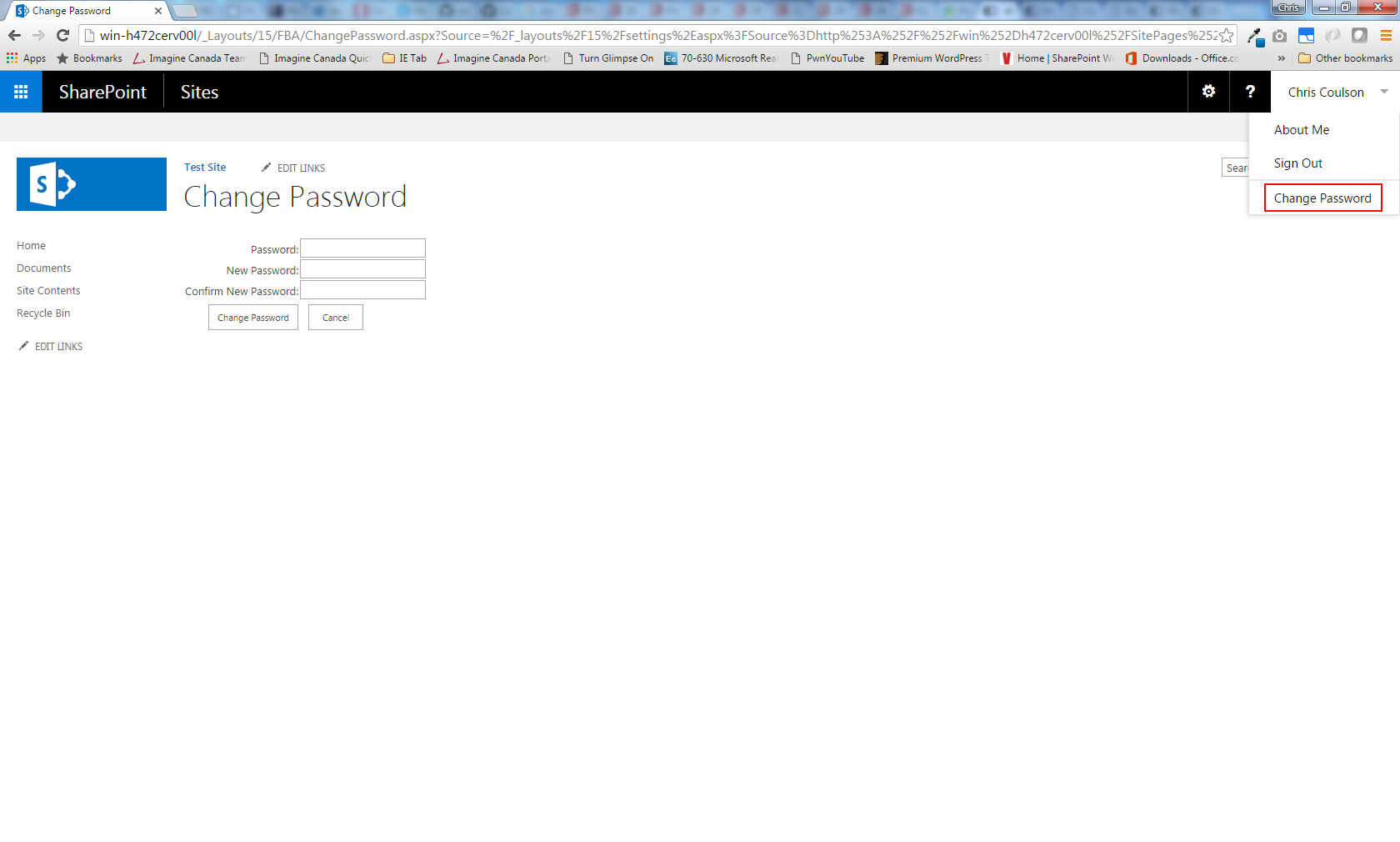
- Change password. A built-in Change Password page, with a link in the user menu.
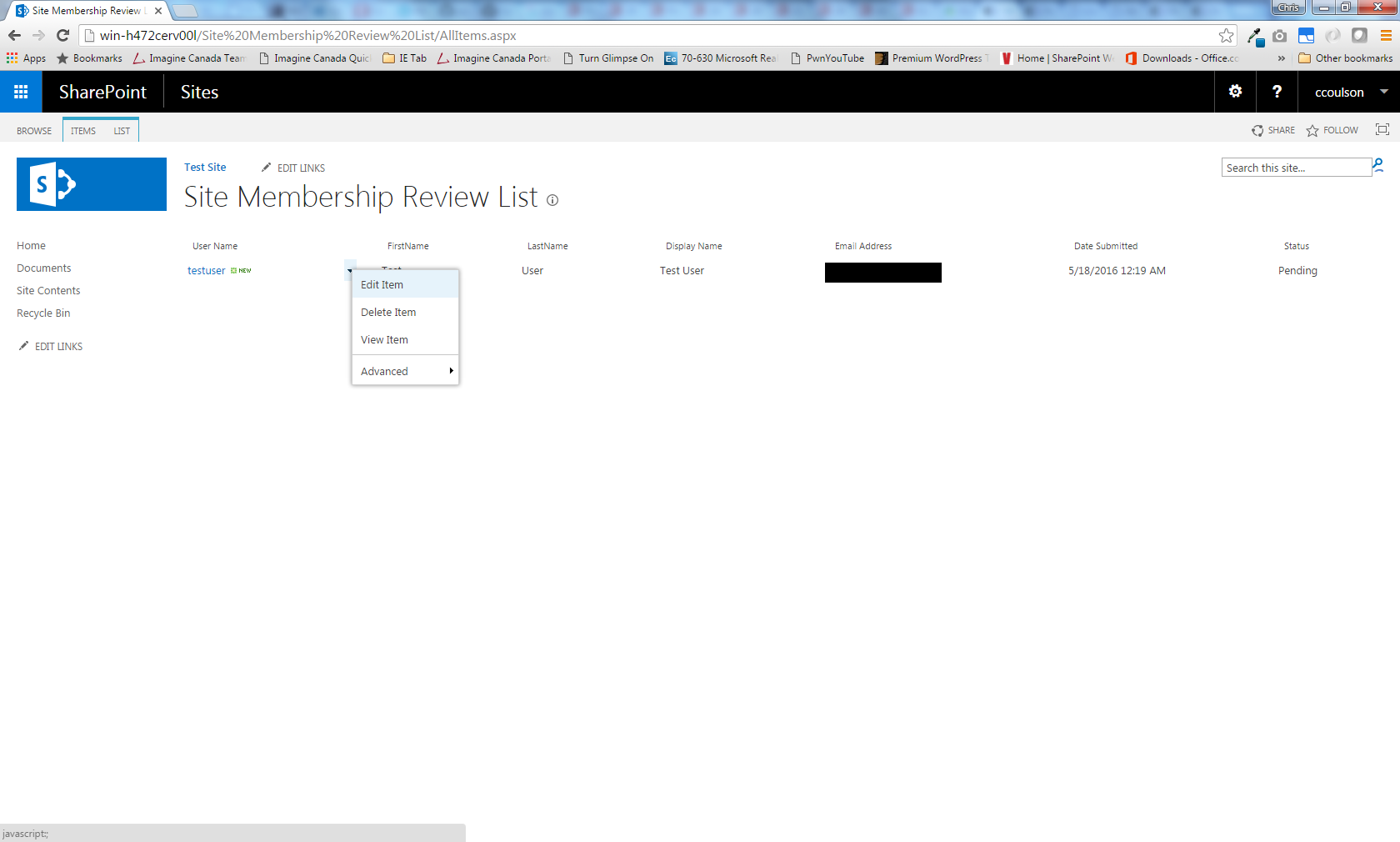
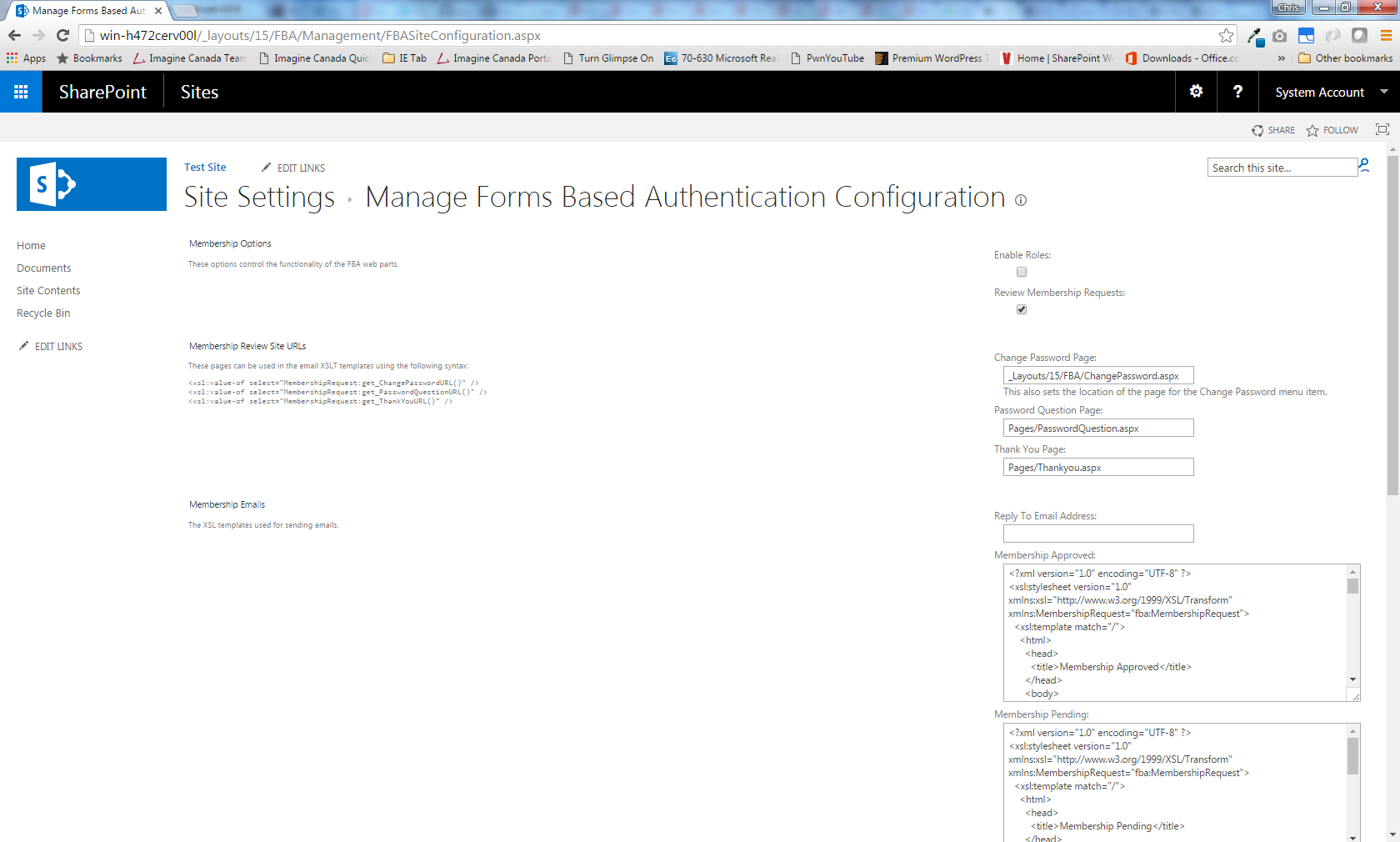
- Membership review. You can choose to review and approve new sign-ups before they get access.
- Customizable web parts. Change the look completely with HTML templates. Simple tweaks can be made in the web part properties.
- Customizable emails. Every email sent to users is an XSLT template you can edit.
- Password recovery. Users can look up their account by username or by email address.
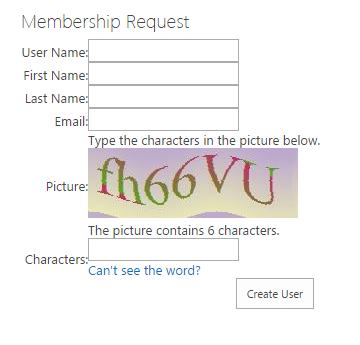
- Membership requests. Optional CAPTCHA, password generation and automatic sign-in after registration.
- Fully localizable. English and Chinese are included.
Screenshots
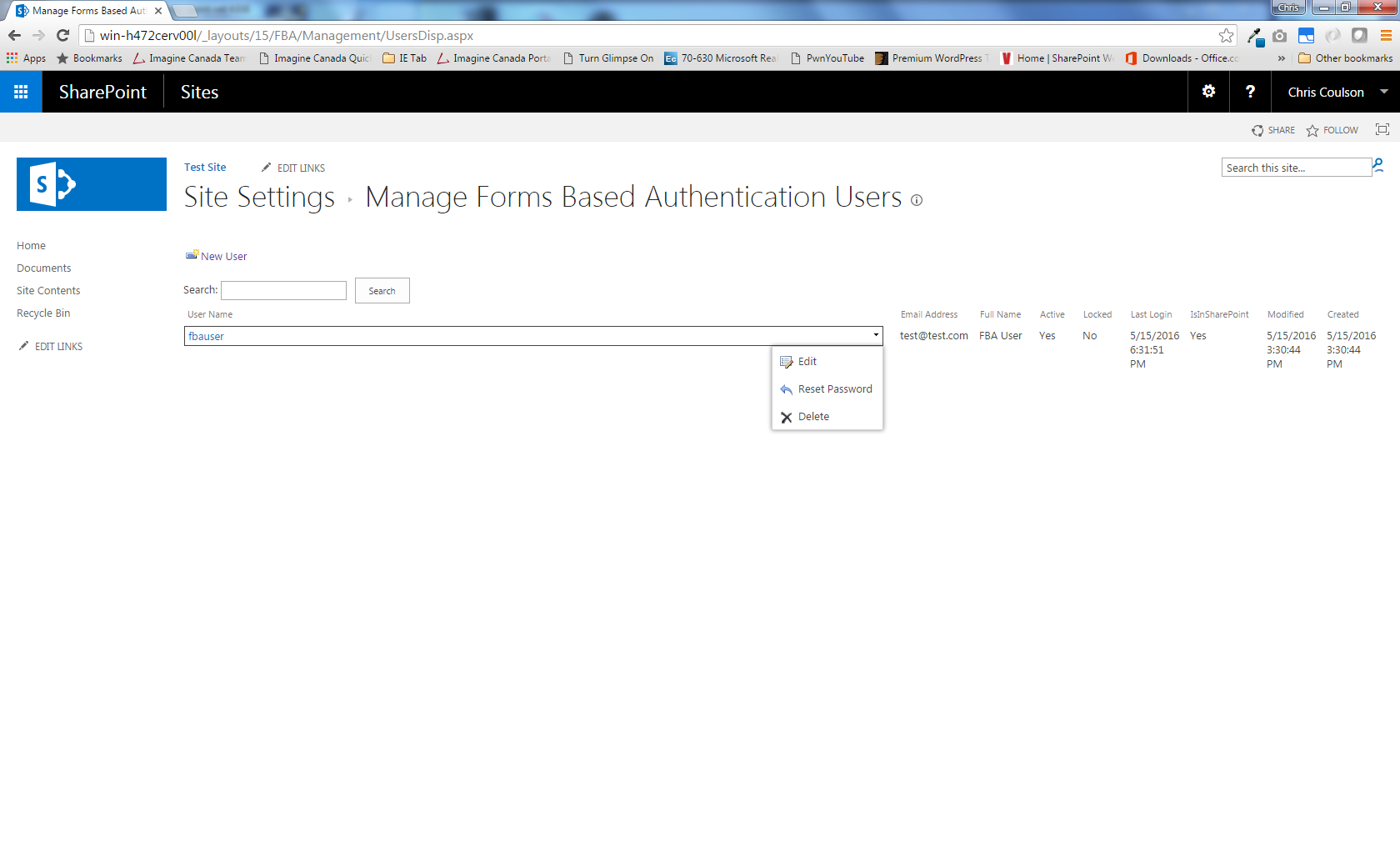
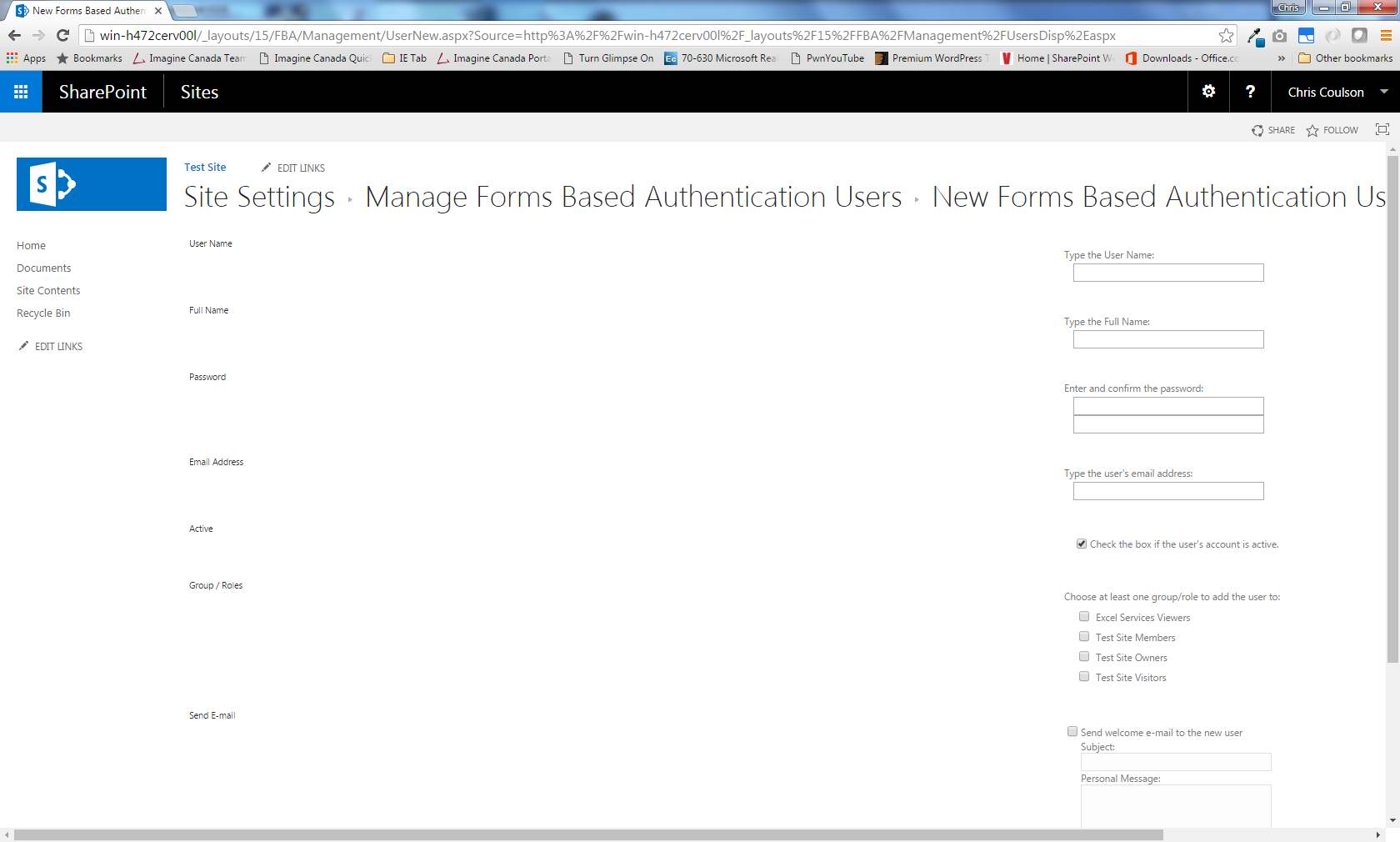
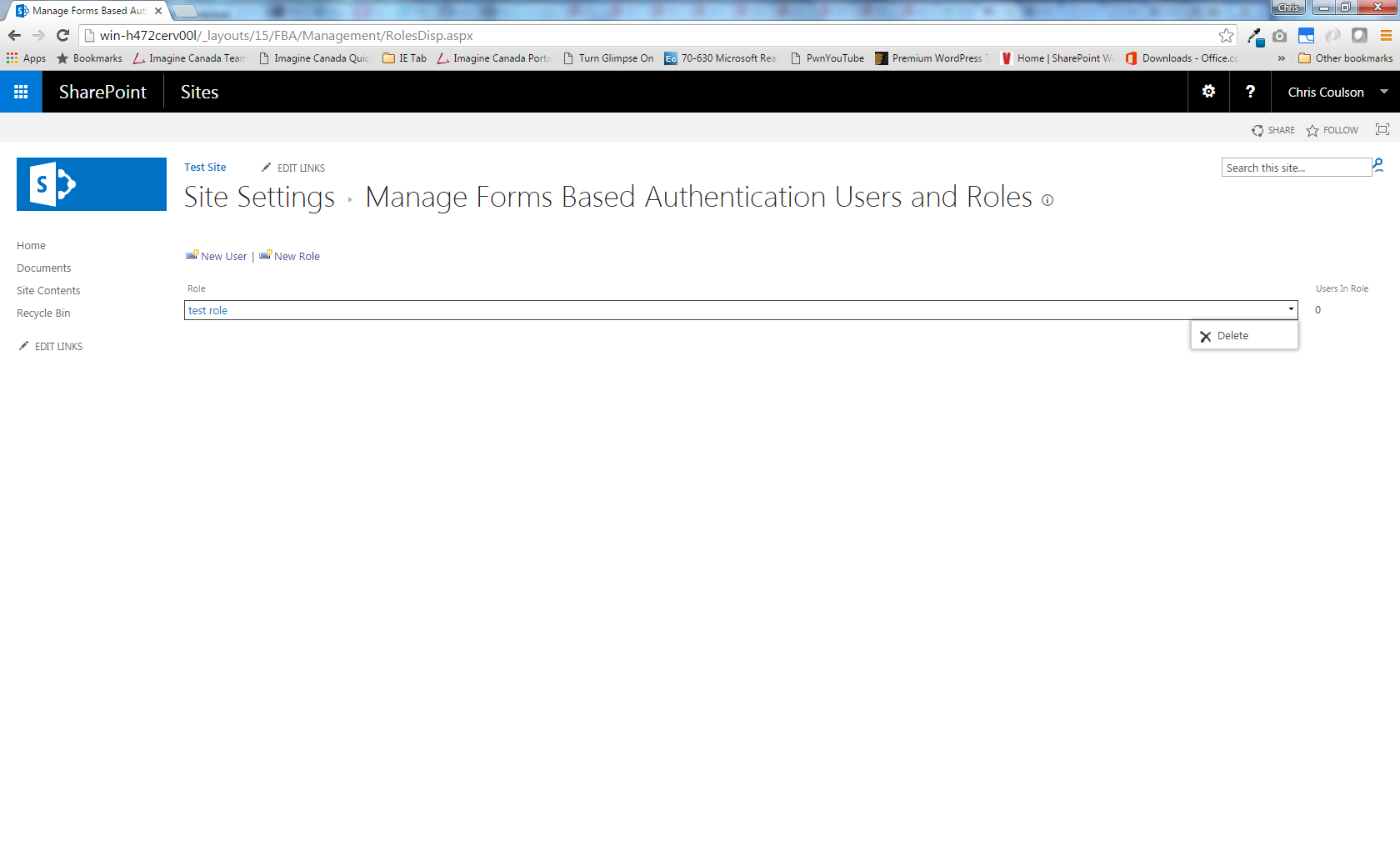
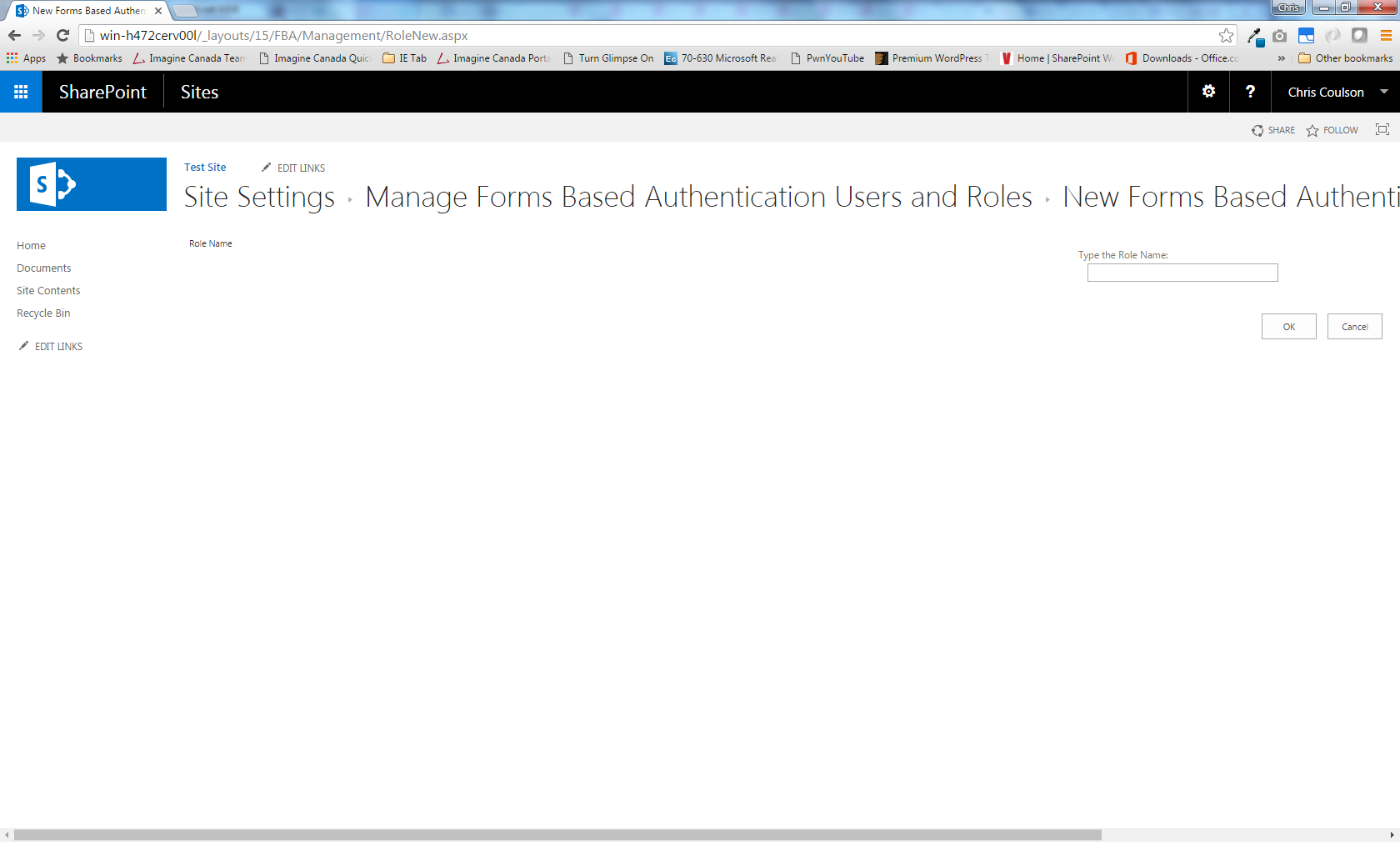
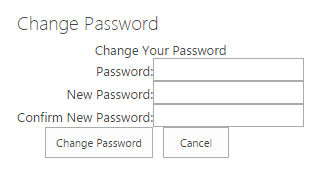
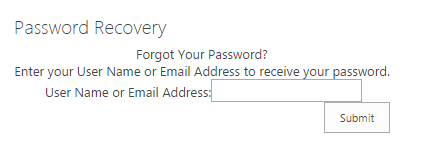
Getting help
Questions can be posted on the community forum. If your organization needs a faster, more hands-on level of service, a priority support plan covers one-on-one troubleshooting, screen-sharing sessions and priority bug fixes.